Search
Find any transaction in your history by keyword or tag.
Keyword search
Tap the magnifier in the Ledger’s header and type anything — a merchant name, part of a note, an amount’s context. Monivera searches your entire transaction history, not just the current period, and matches as you type. Typos and partial words are fine; “starbcks” still finds your coffee habit.
Tag search
Search by any tag you’ve attached to transactions to pull up everything that carries it, across all categories and periods. Tags start with # — searching #spaintravel returns the whole trip.
Tags and keywords compose: narrow a tag’s results further with a keyword when a trip’s worth of transactions is still too many.
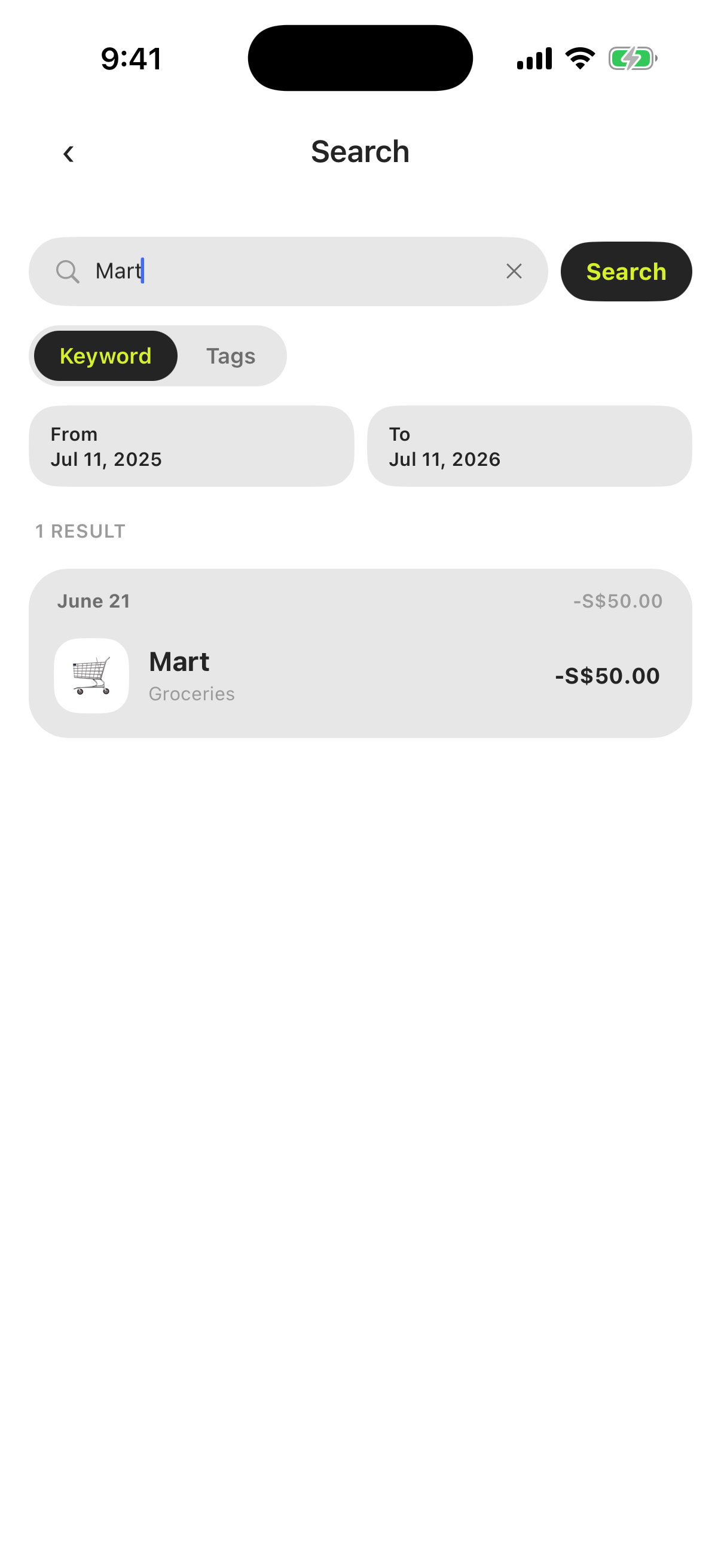
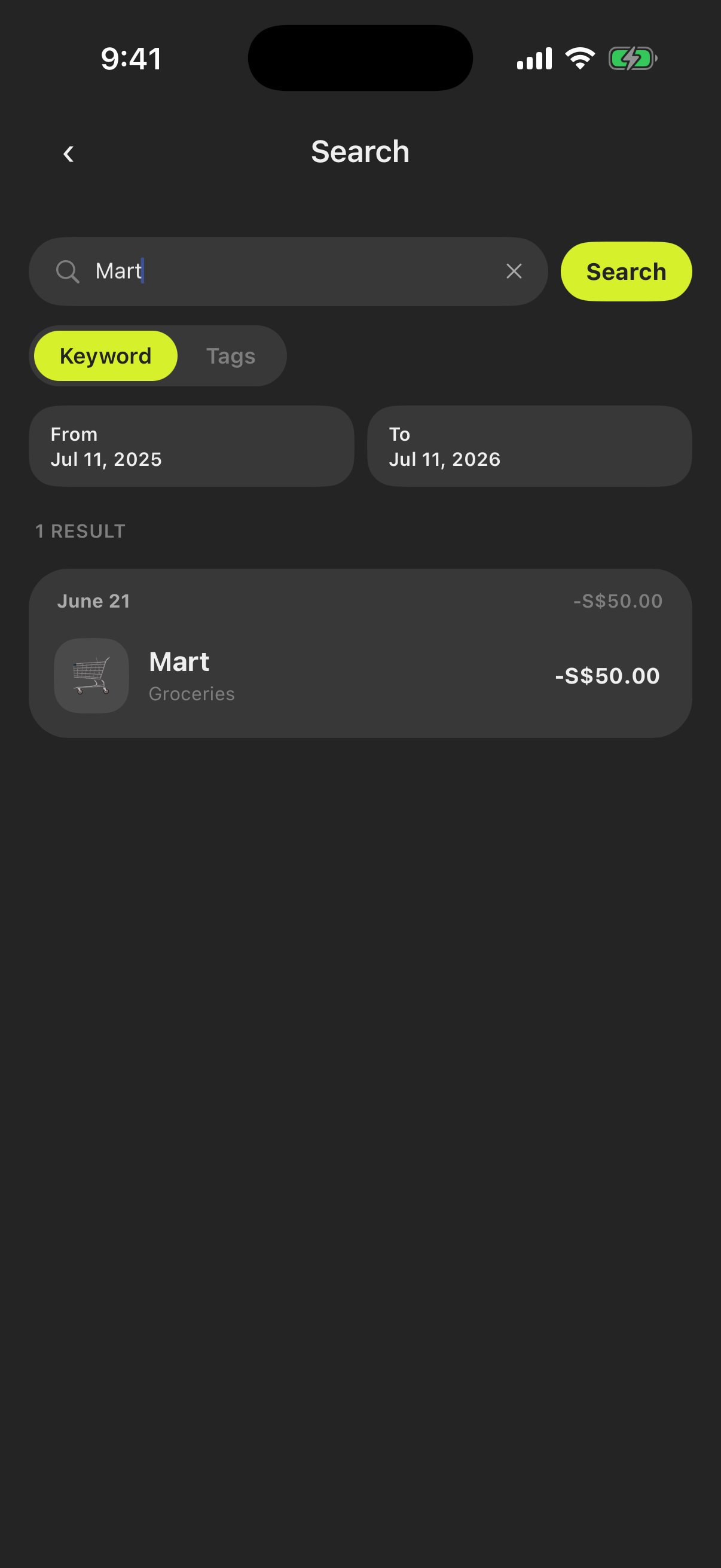
What you can do from results
Search results are live transaction rows — tap one to view or edit it, exactly as you would from the Ledger.